← 返回模板市场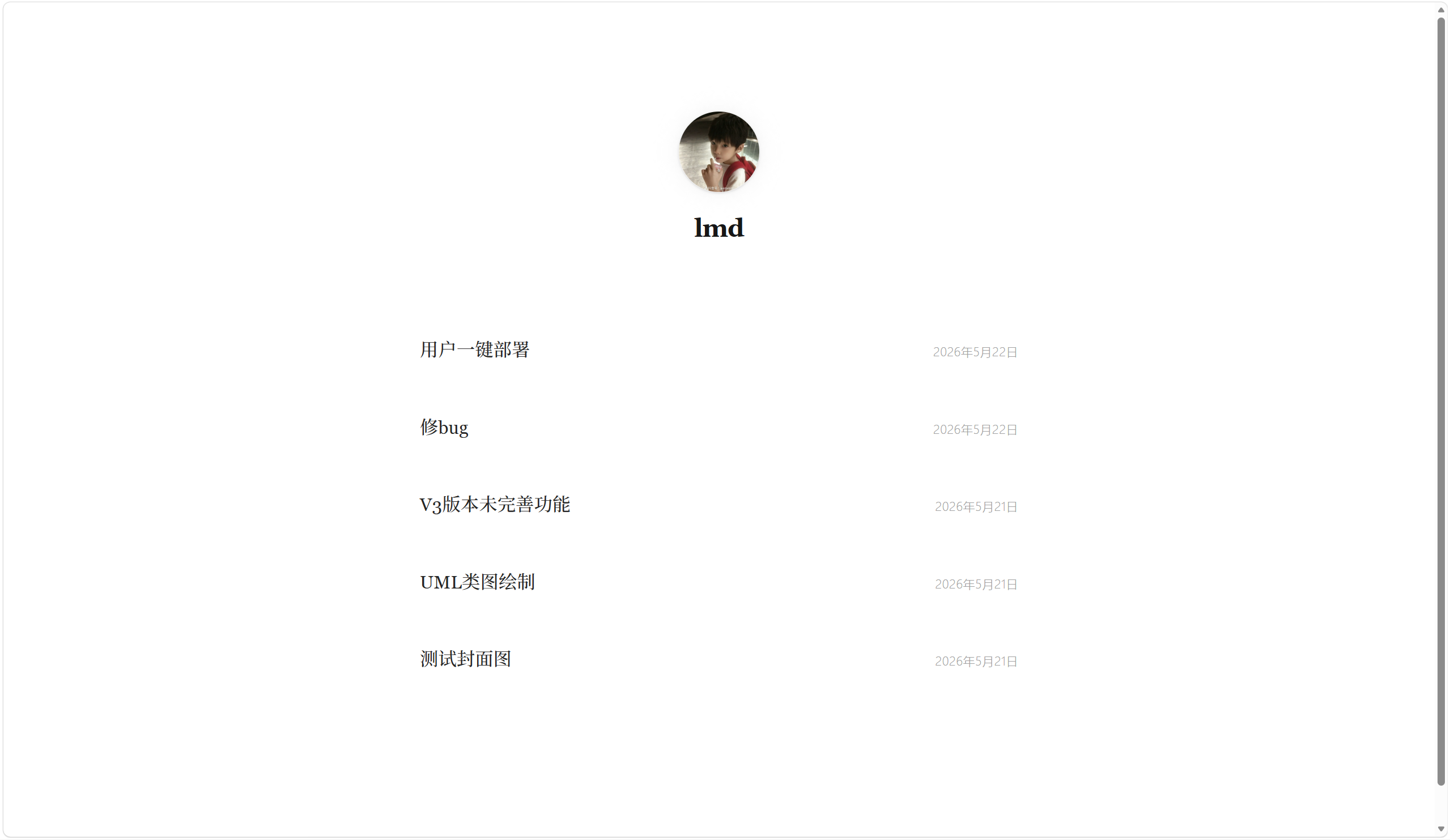
极简技术博客
白底黑字,极简排版,专注阅读体验。适合技术博客和写作。
博客极简技术
功能特性
- SSG 静态生成,SEO 友好
- RSS Feed 自动生成
- 响应式设计,移动端适配
- Cormorant Garamond + Inter 字体
部署指南
- 1注册 Vercel + 连接 GitHub
前往 vercel.com 用 GitHub 注册登录,然后去 Settings → Integrations → GitHub 完成授权连接。
- 2创建 Vercel Token
前往 vercel.com/account/tokens 创建 Token,选择 Full Account 权限。
- 3回到平台一键部署
前往 部署管理 页面,选择模板,粘贴 Token,点击「开始部署」。平台自动创建项目、配置环境变量。